







Happy Clients
Read what they say about us
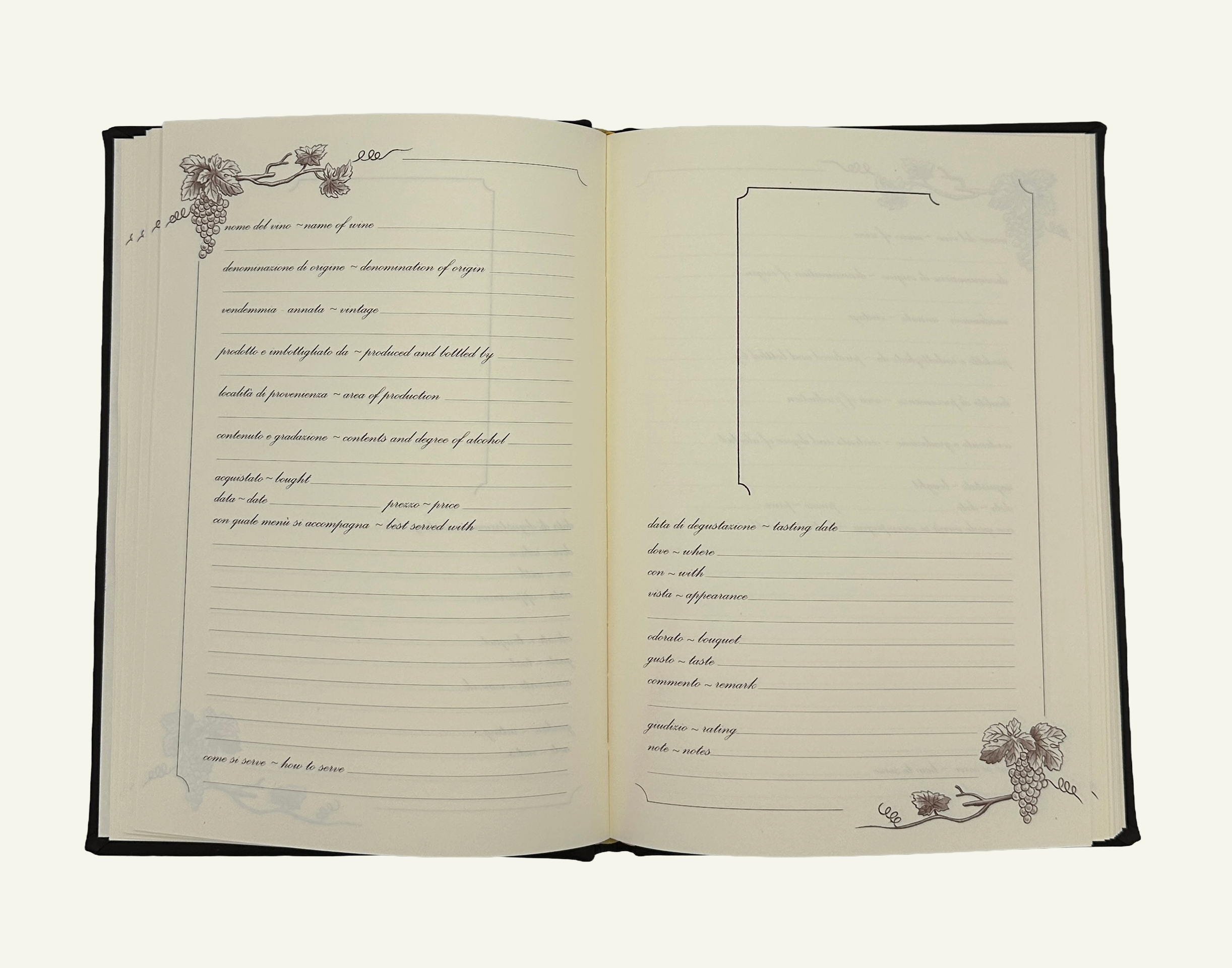
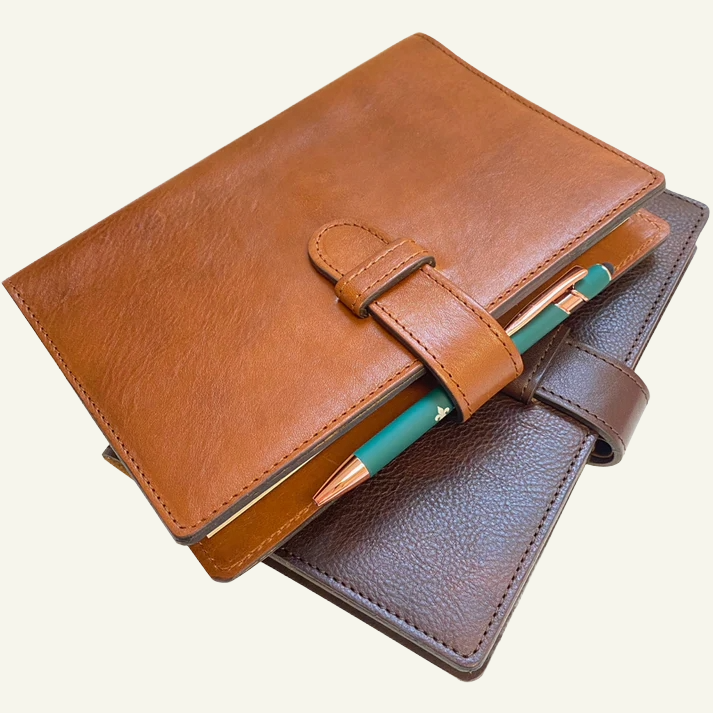
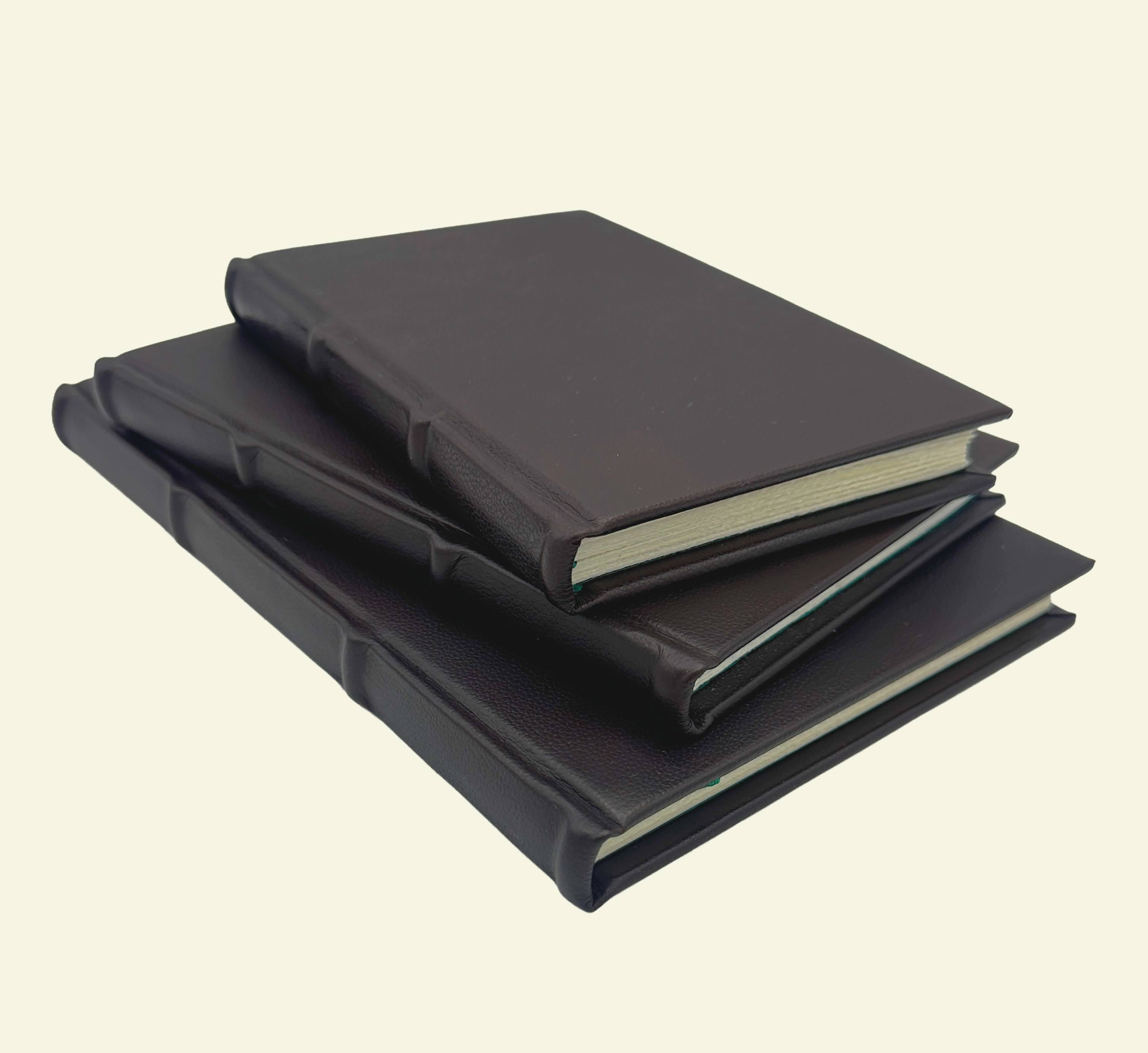
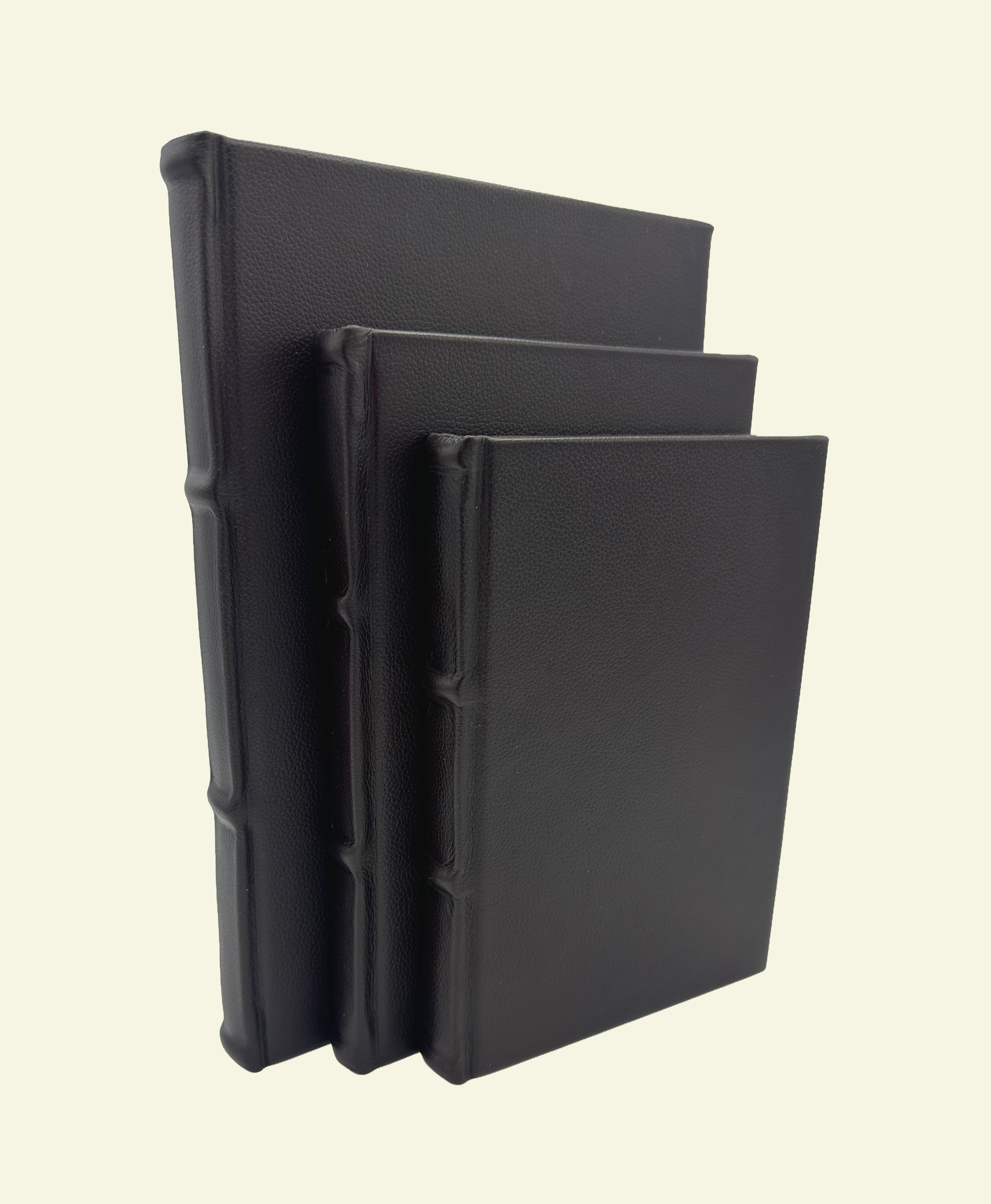
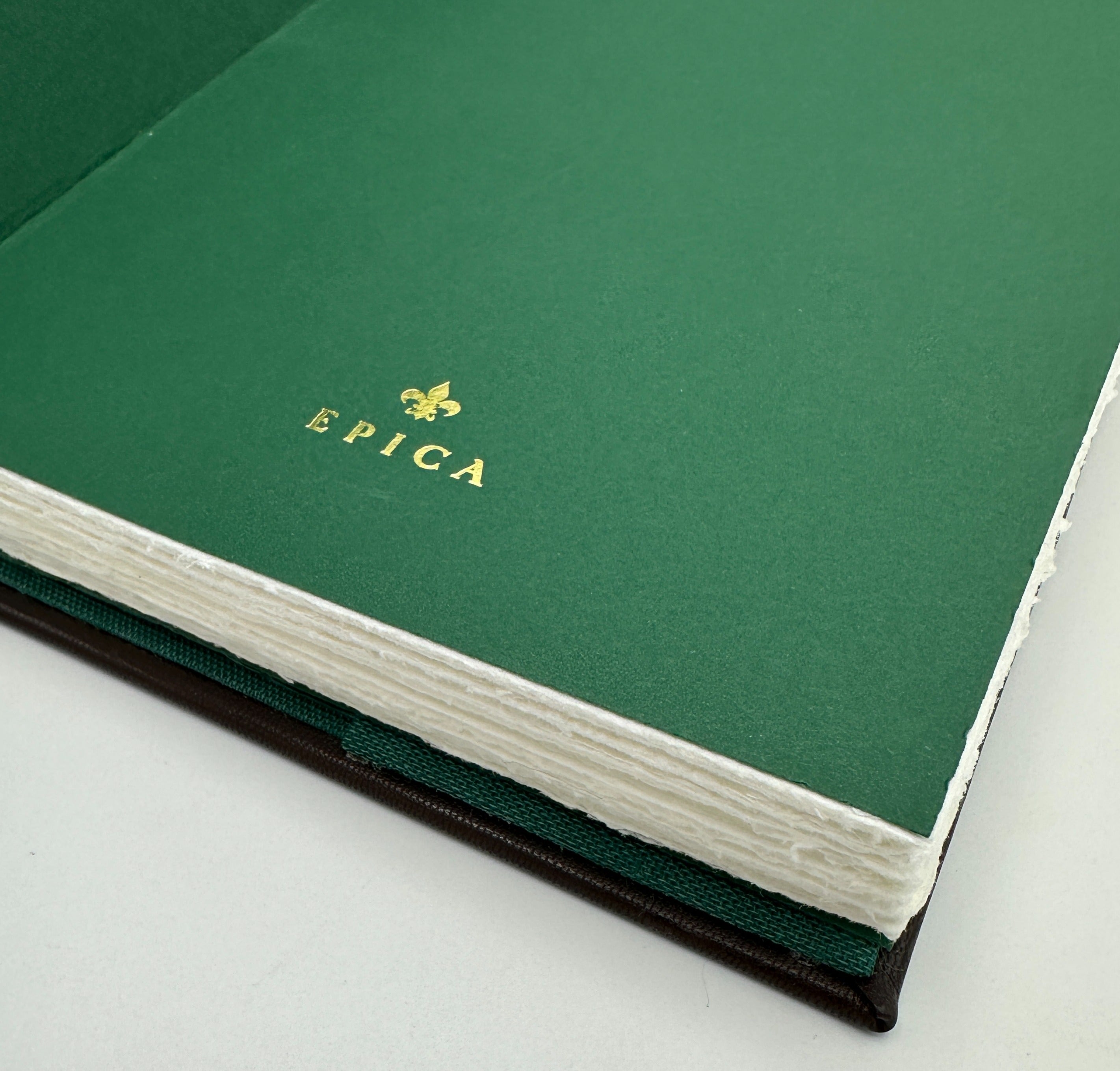
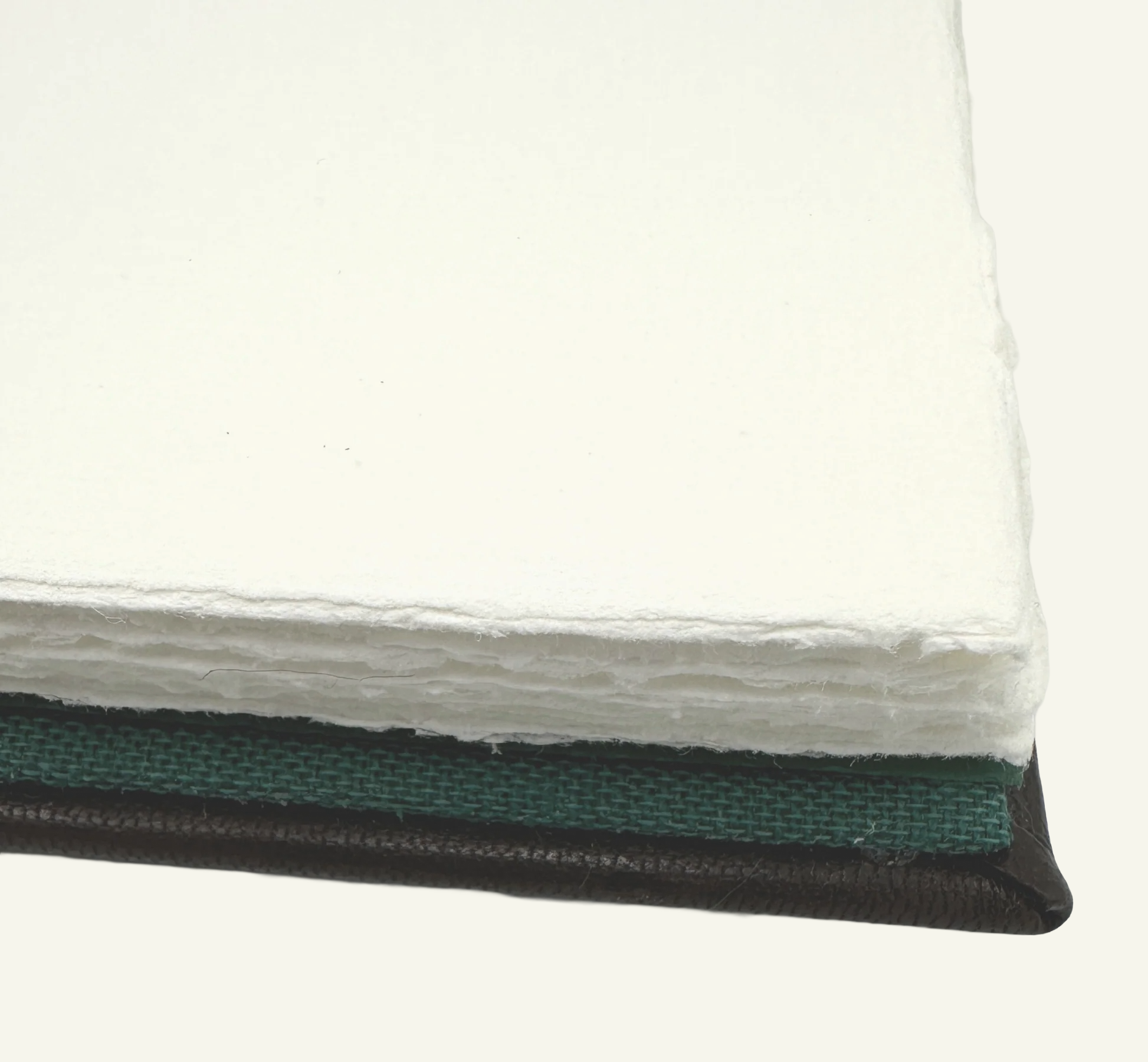
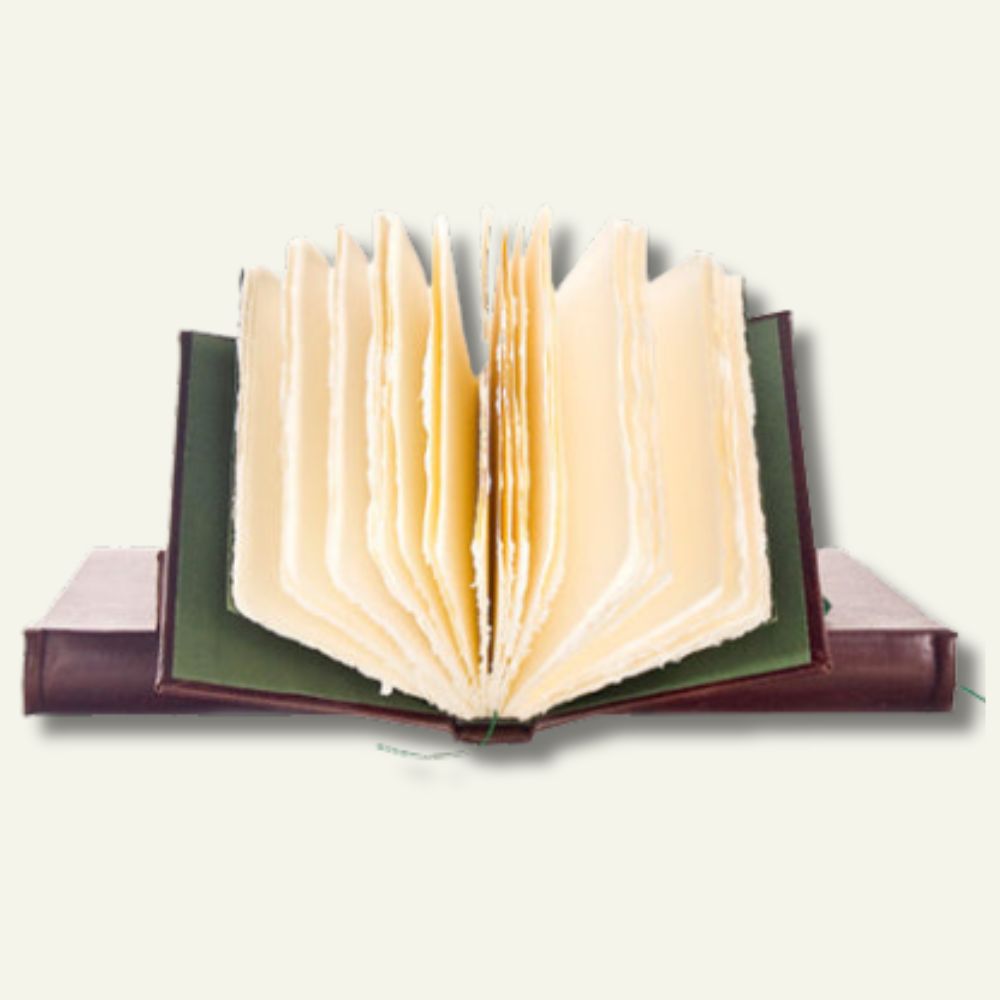
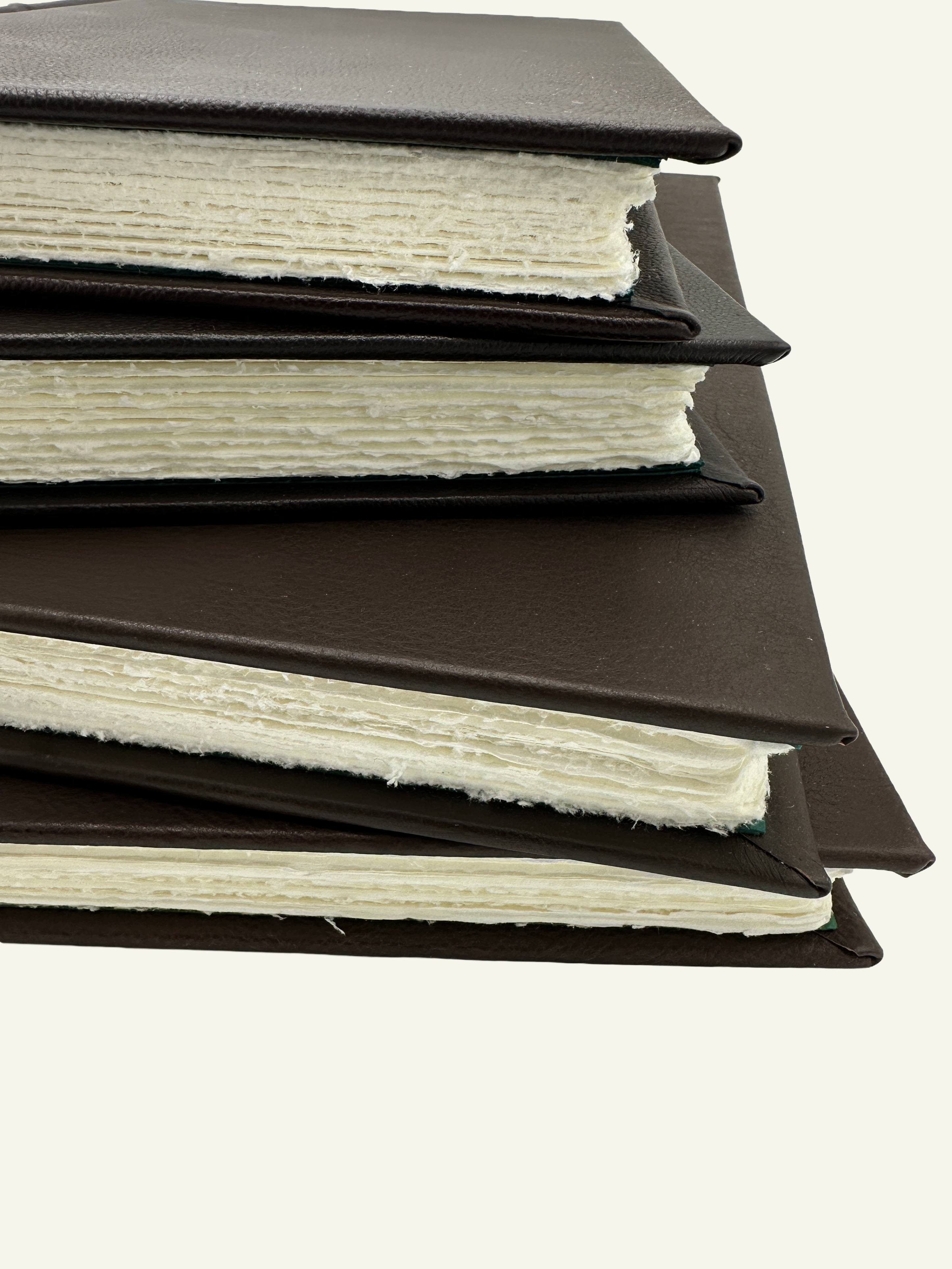
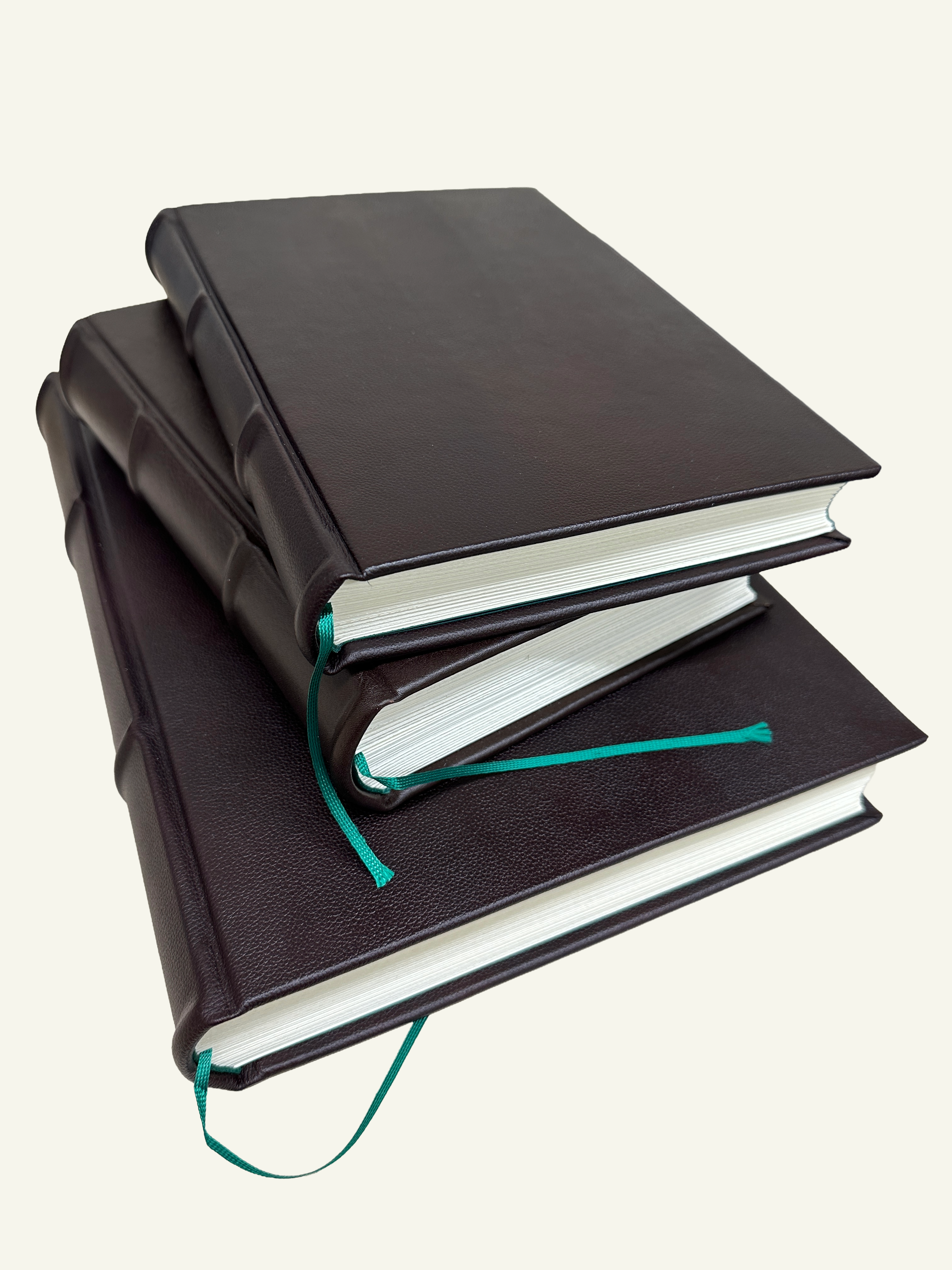
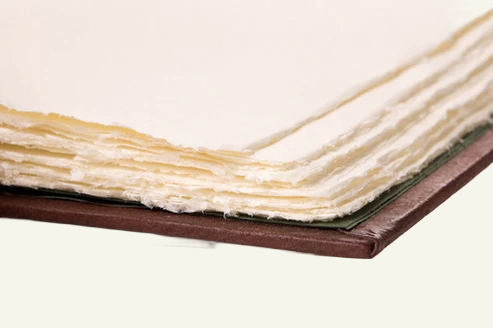
“Talk about quality! I bought a "slighty disfigured" journal to test the product. The "slightly irregular" was better than a competitors 1st run product. I love the look, feel, and heft, plus the paper stands up to my fountain pens. I'll be buying more...or looking for excuses to buy more!”
Adam V.
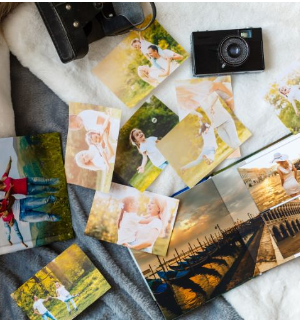
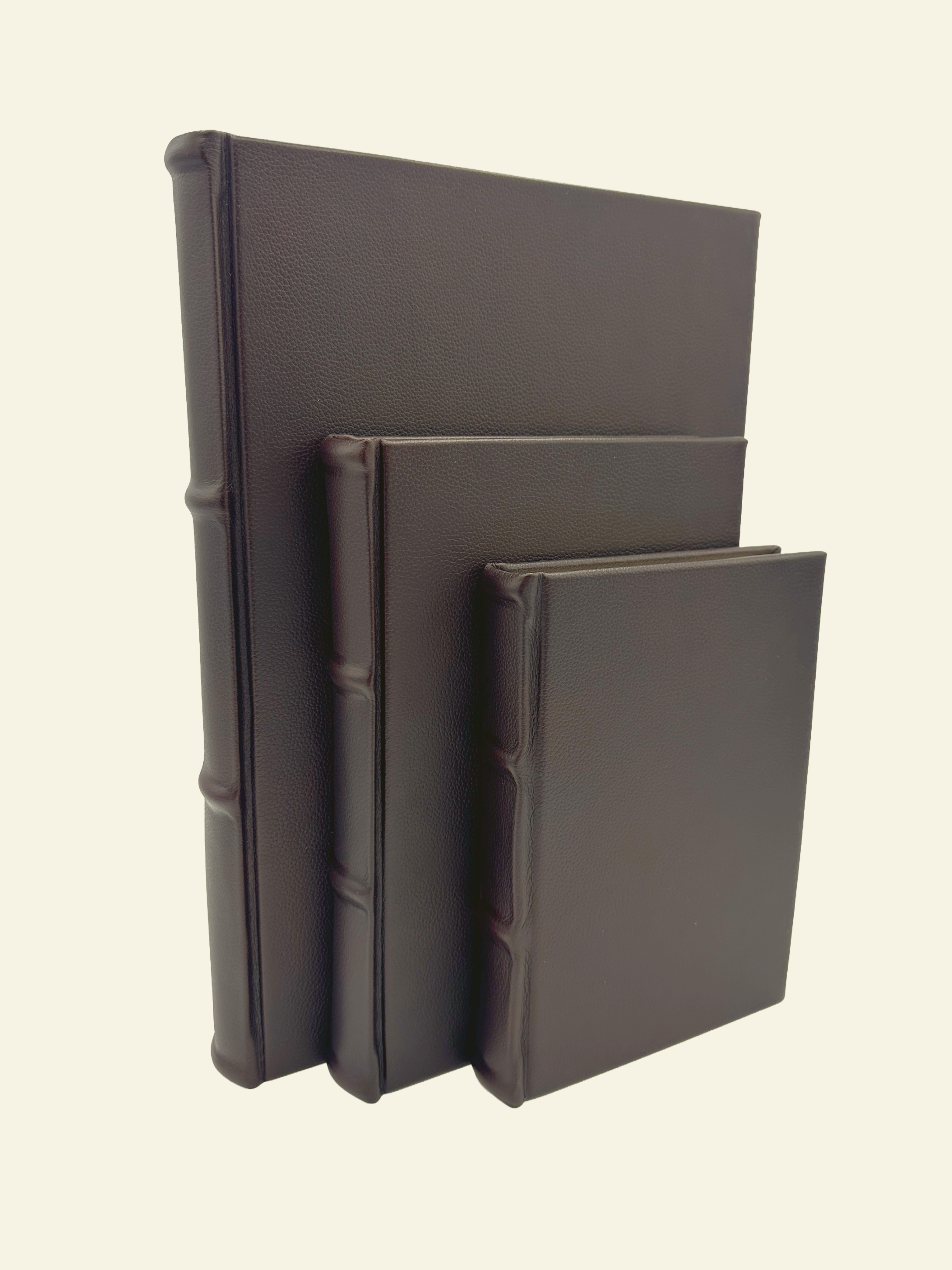
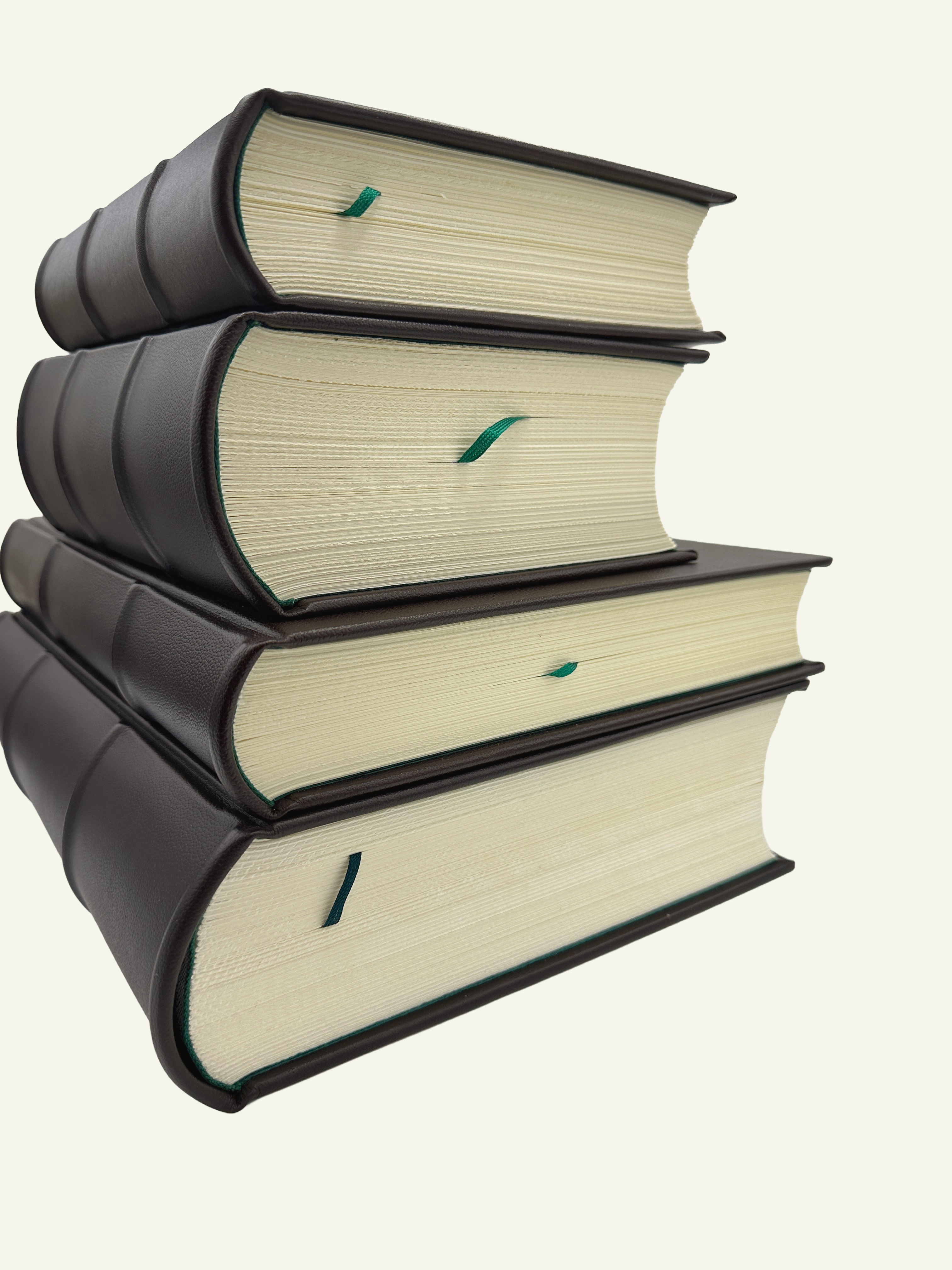
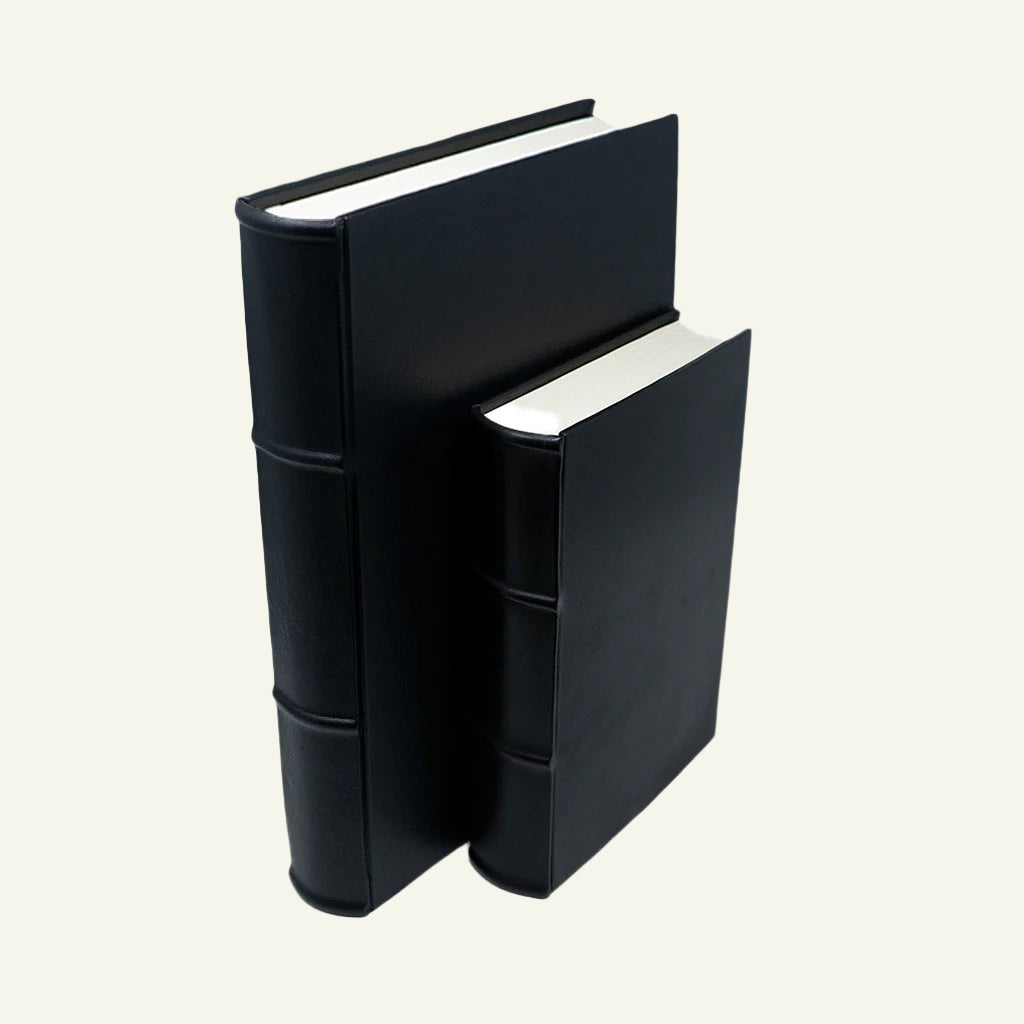
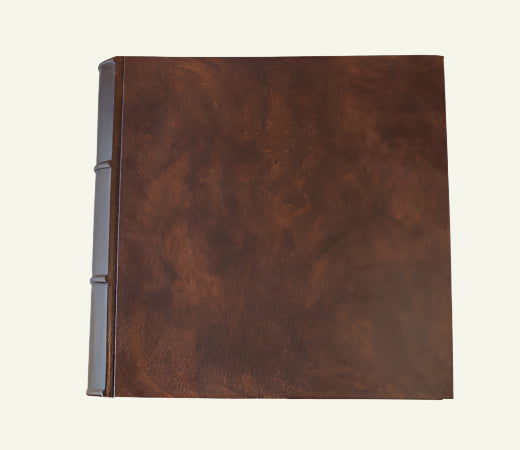
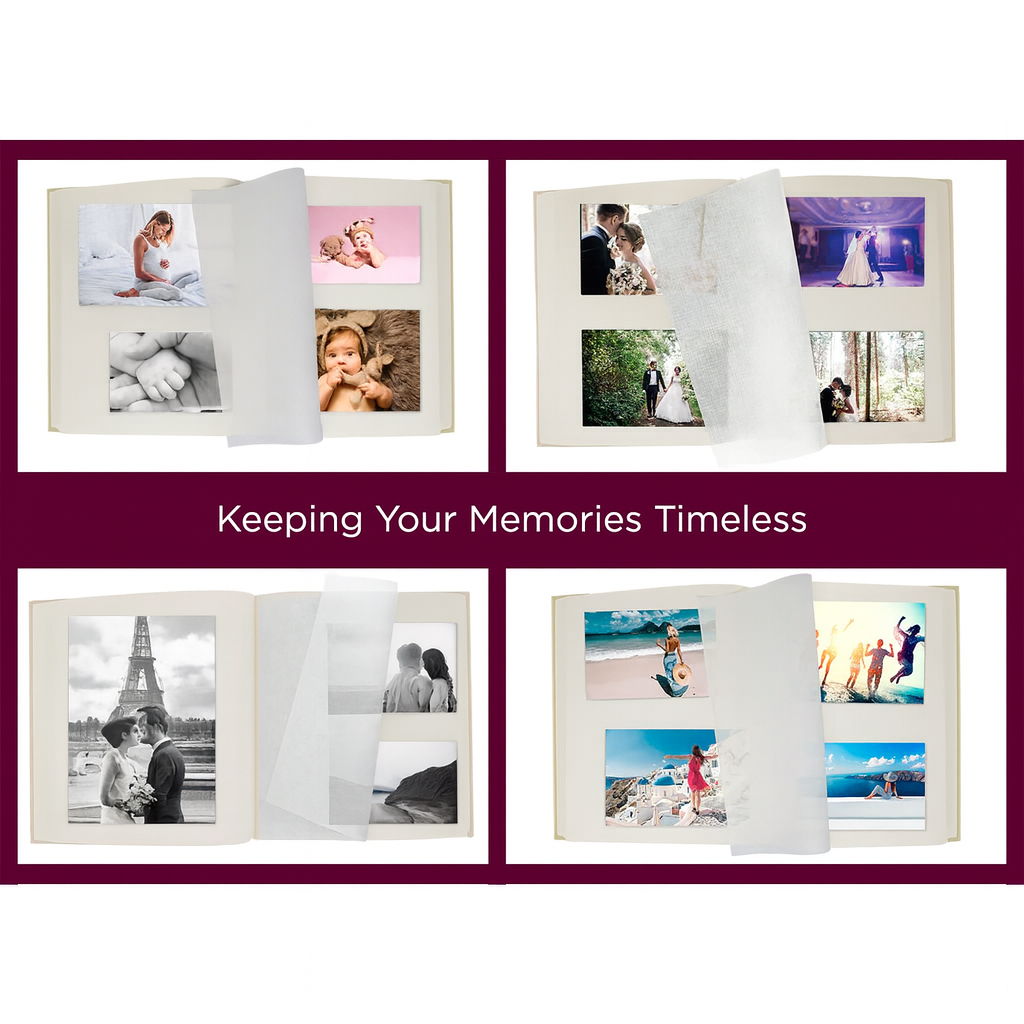
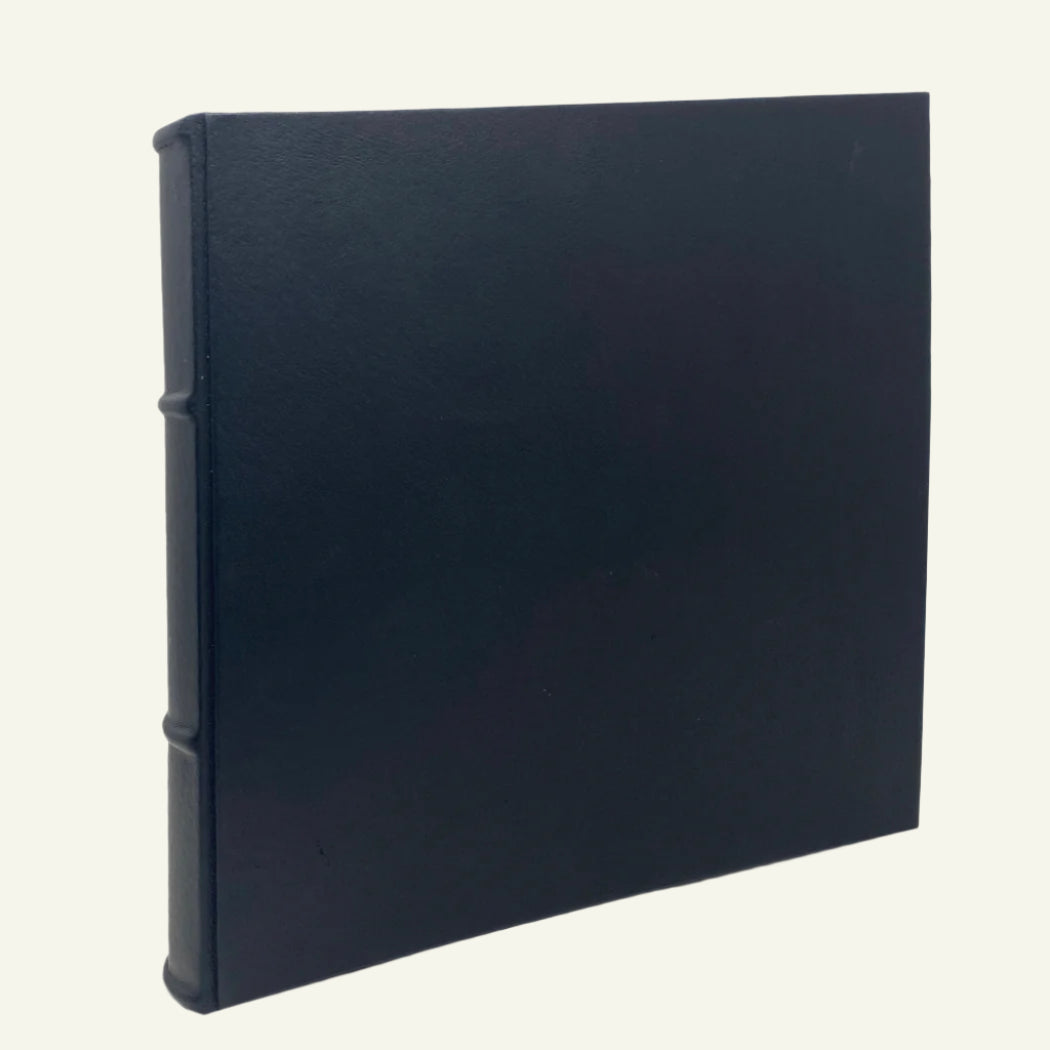
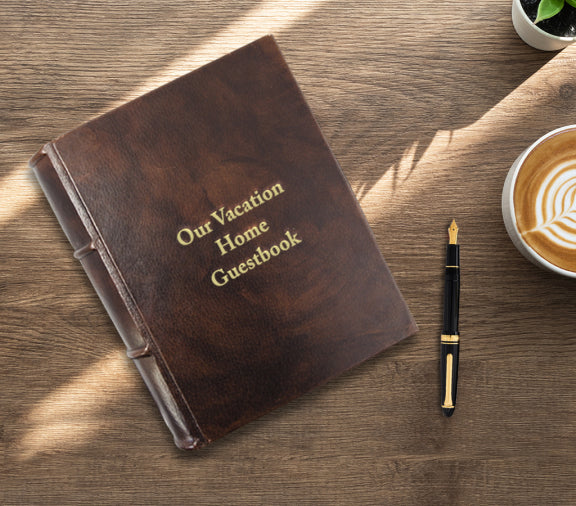
"I still like to put my vacation pictures in albums. These quality leather albums will pass down through the generations. The leather feels good and the album is well made. I am so glad I have these albums."
Jennetta M.
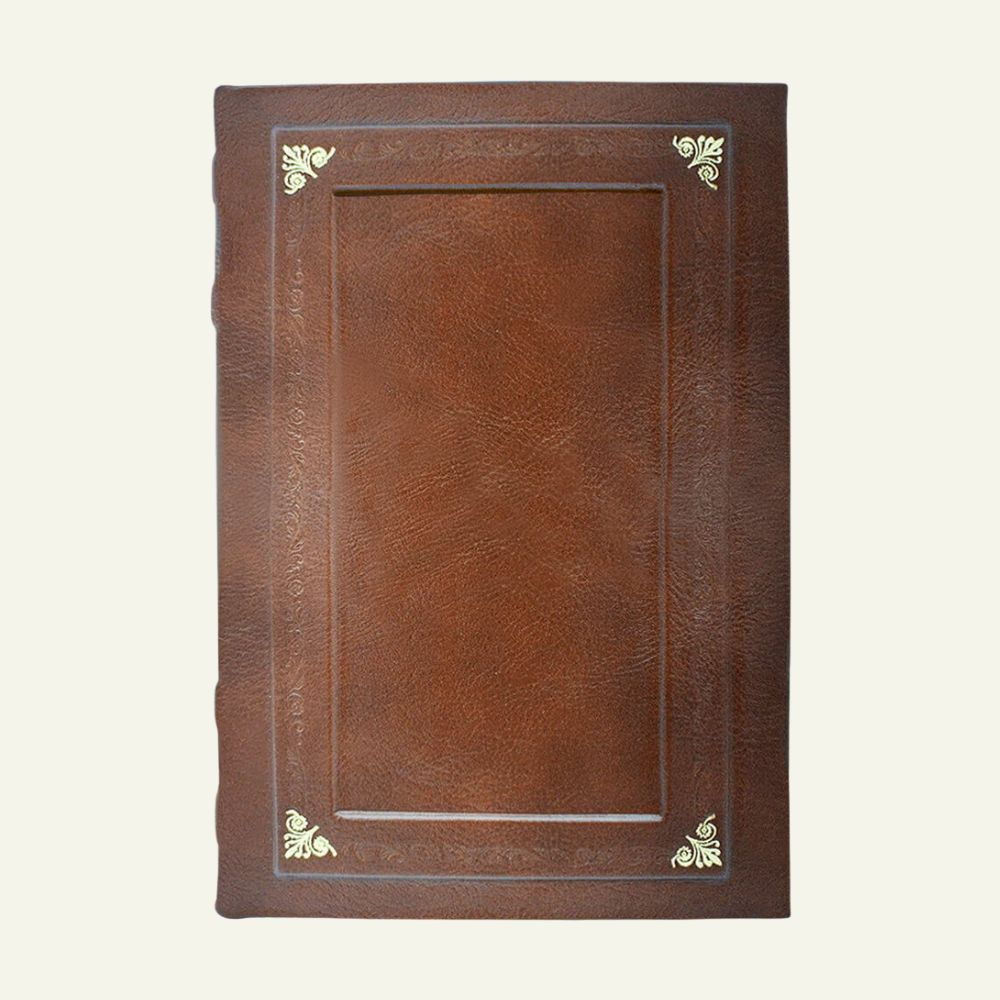
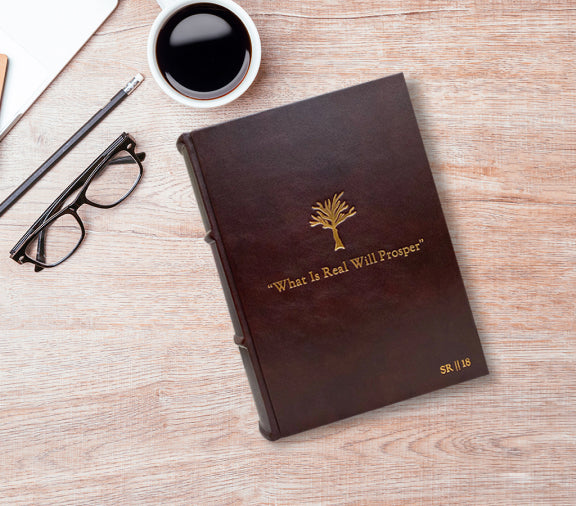
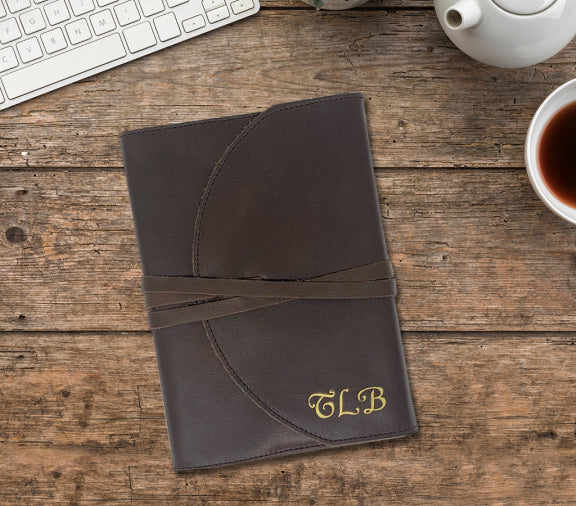
"I got this leather journal with the prayer hands embossed on the cover. Inside I pasted a couple dozen Bible verses, and gifted it to my wife. She loves it! I'm very satisfied with the product."
Robseth T.
"The quality of the product and the customer service is unmatched. I'm so very grateful to have found Epica."
Ron M.


